
LEGO Worlds takes the classic appeal of snapping bricks together and turns it into a procedurally generated sandbox, letting you roam bite-sized “playset” landscapes while building, collecting, and experimenting. It blends open-ended creation with light exploration and simple combat, so you can either treat it like a digital toy box or a laid-back adventure where every new world is a fresh pile of bricks to dig through.
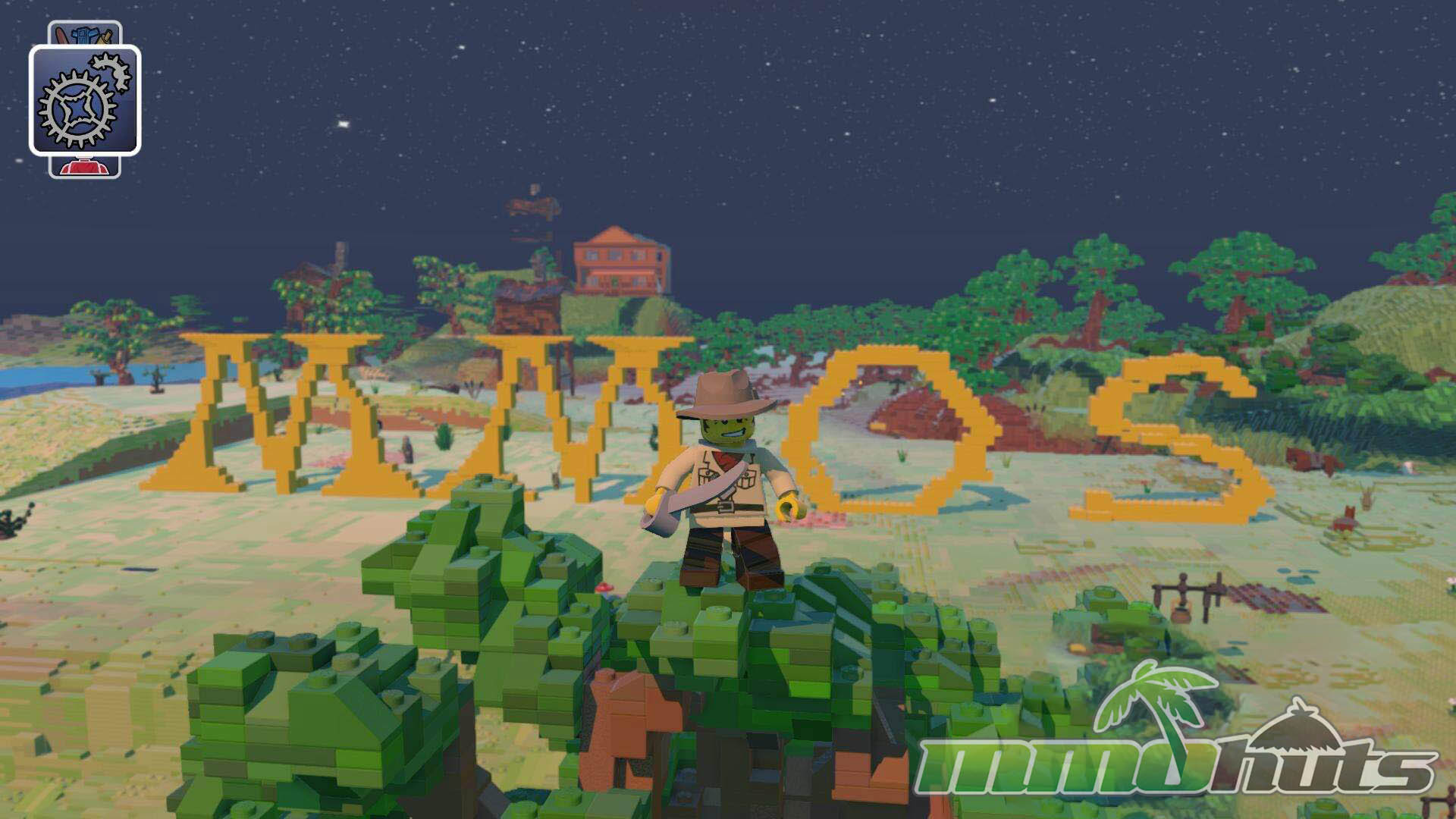 | Publisher: Warner Bros Games Type: B2P Sandbox Release Date: June 01, 2015 (Early Access) Pros: +Flexible LEGO creativity tools. +Procedurally generated maps to explore. +Tons of unlocks and personalization. Cons: -Controls can feel awkward. -Activities thin out over time, can get repetitive. -Camera quirks make precise building harder. |

LEGO Worlds Overview
LEGO Worlds is a procedurally generated sandbox game developed by TT Games and published by Warner Bros. Interactive Entertainment. Instead of dropping you into a fixed map, it generates a series of themed regions where you can wander, gather new discoveries, and reshape the terrain with a multi-tool. The main hook is simple: build whatever you can picture using LEGO bricks, whether that is a towering minifigure statue, a sprawling castle, or a small town with its own roads and props. Creations can be saved, then reused later, which helps the game feel more like a persistent LEGO collection than a one-off session.
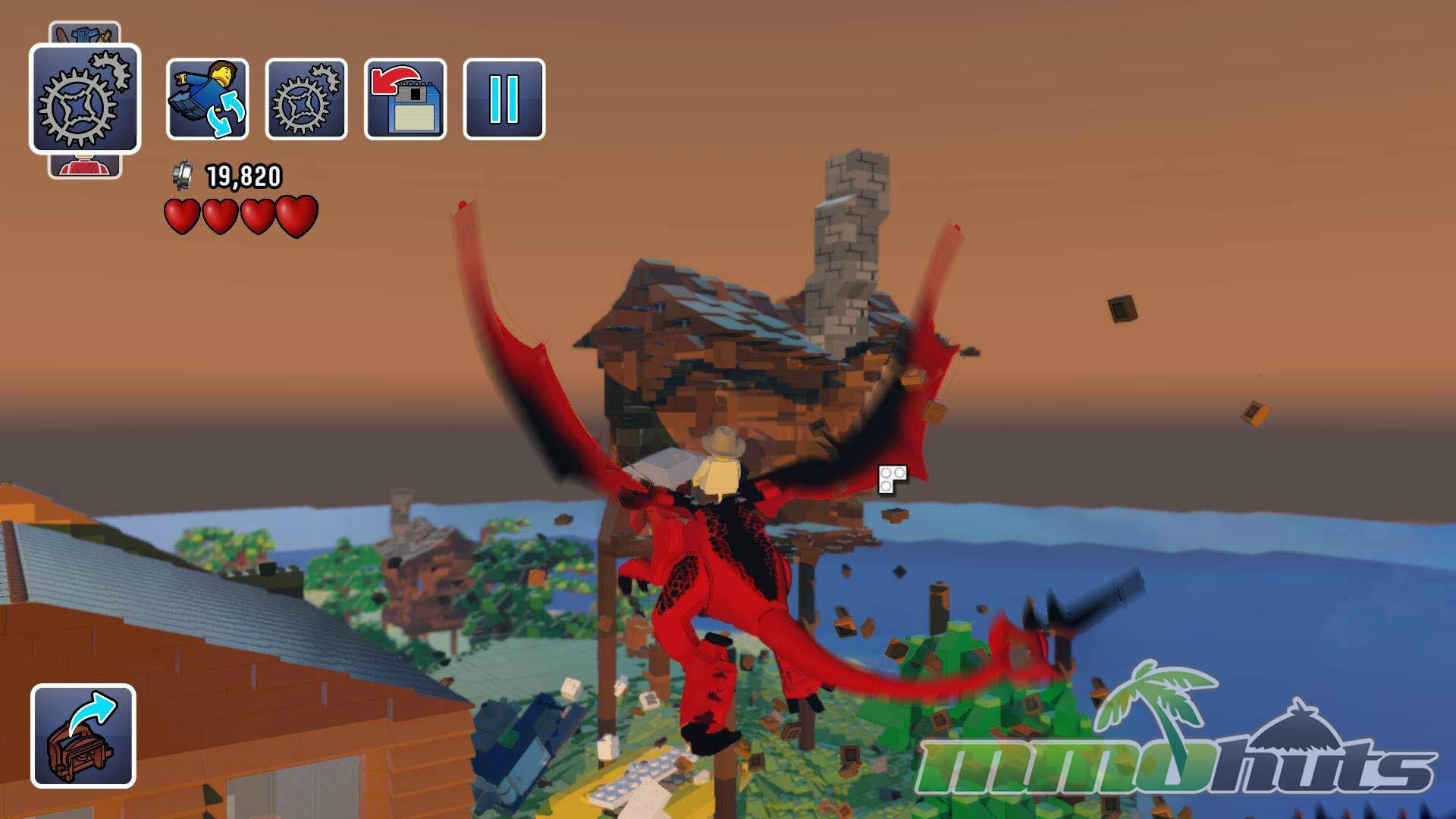
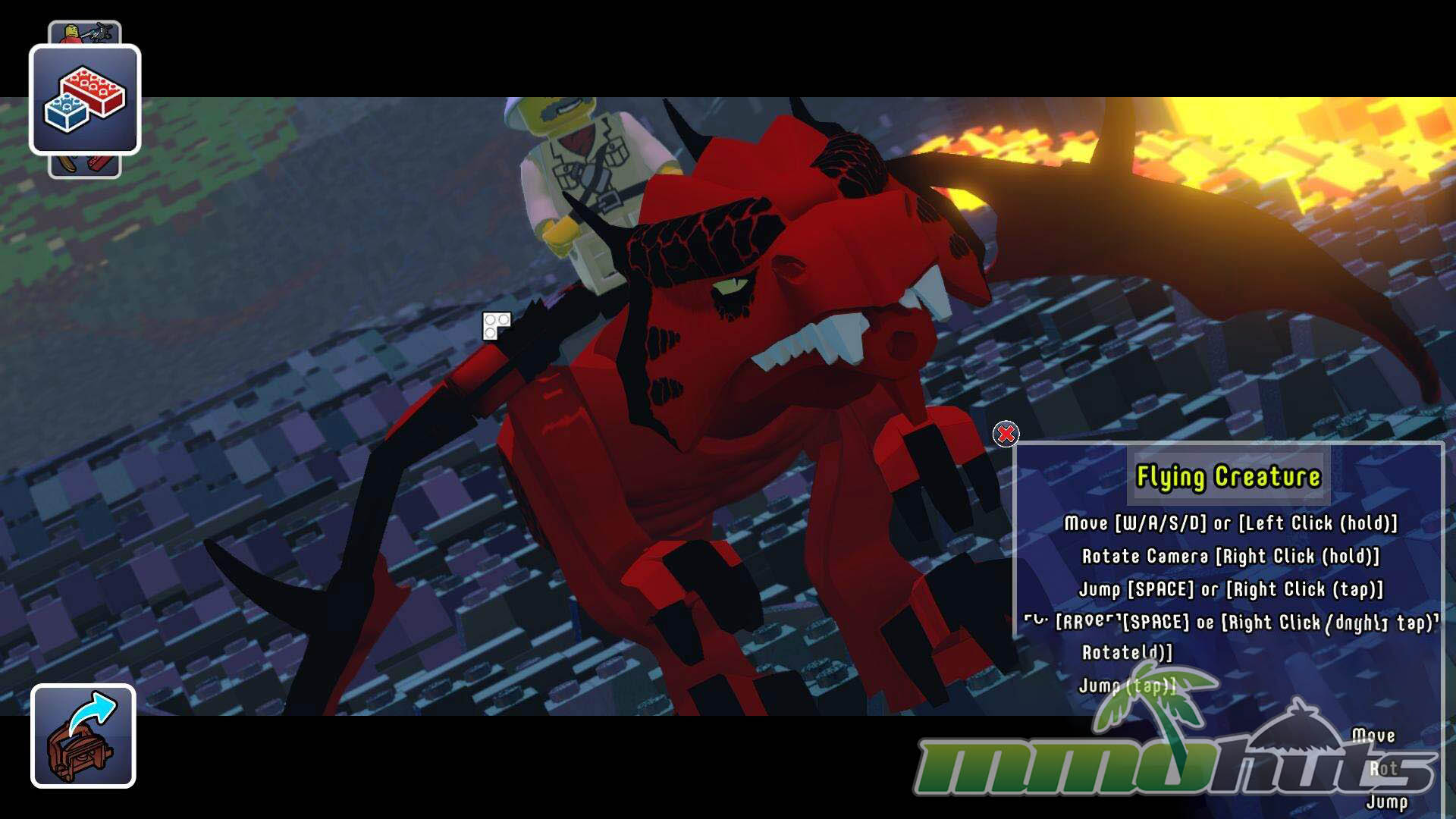
Exploration is tied to variety, each world mixes climates and matching sets of objects, characters, and creatures. You might stumble into arctic areas with yetis, then head toward deserts or forests packed with different props and minifigures. As you roam, you unlock more items to use, ranging from animals and vehicles to fantasy staples like wizards, dragons, and planes. There is also basic combat, some NPCs and monsters will pick fights, and you can respond with simple melee or ranged options. Character customization is a big part of the loop, you gradually assemble a wardrobe of parts and themed outfits, and the game includes pre-built LEGO sets (classic and newer) that you can place into the world as instant structures.
LEGO Worlds Key Features:
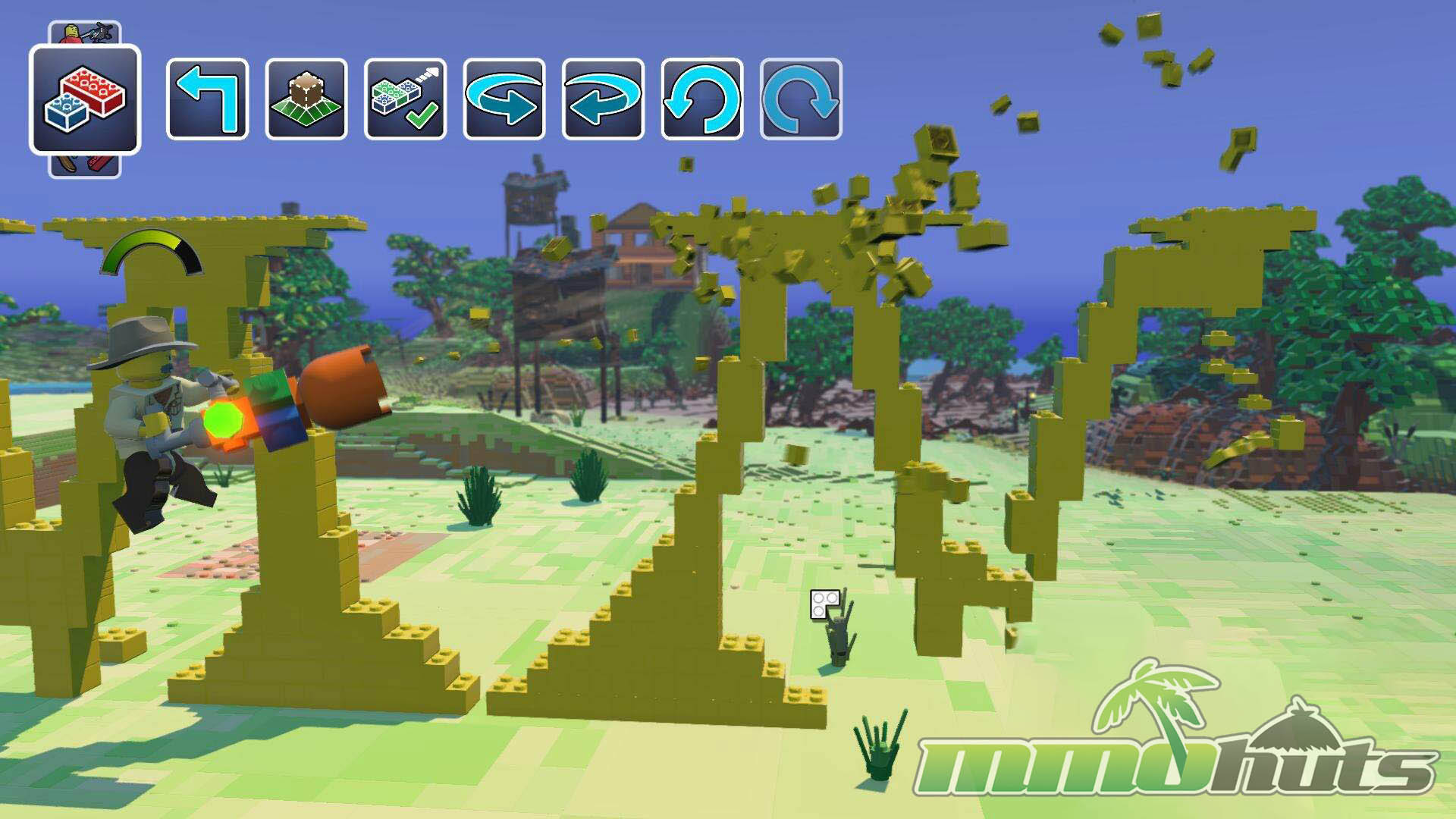
- Build With LEGOs – create structures and contraptions using LEGO pieces and a multi-tool that lets you shape the world around your builds.
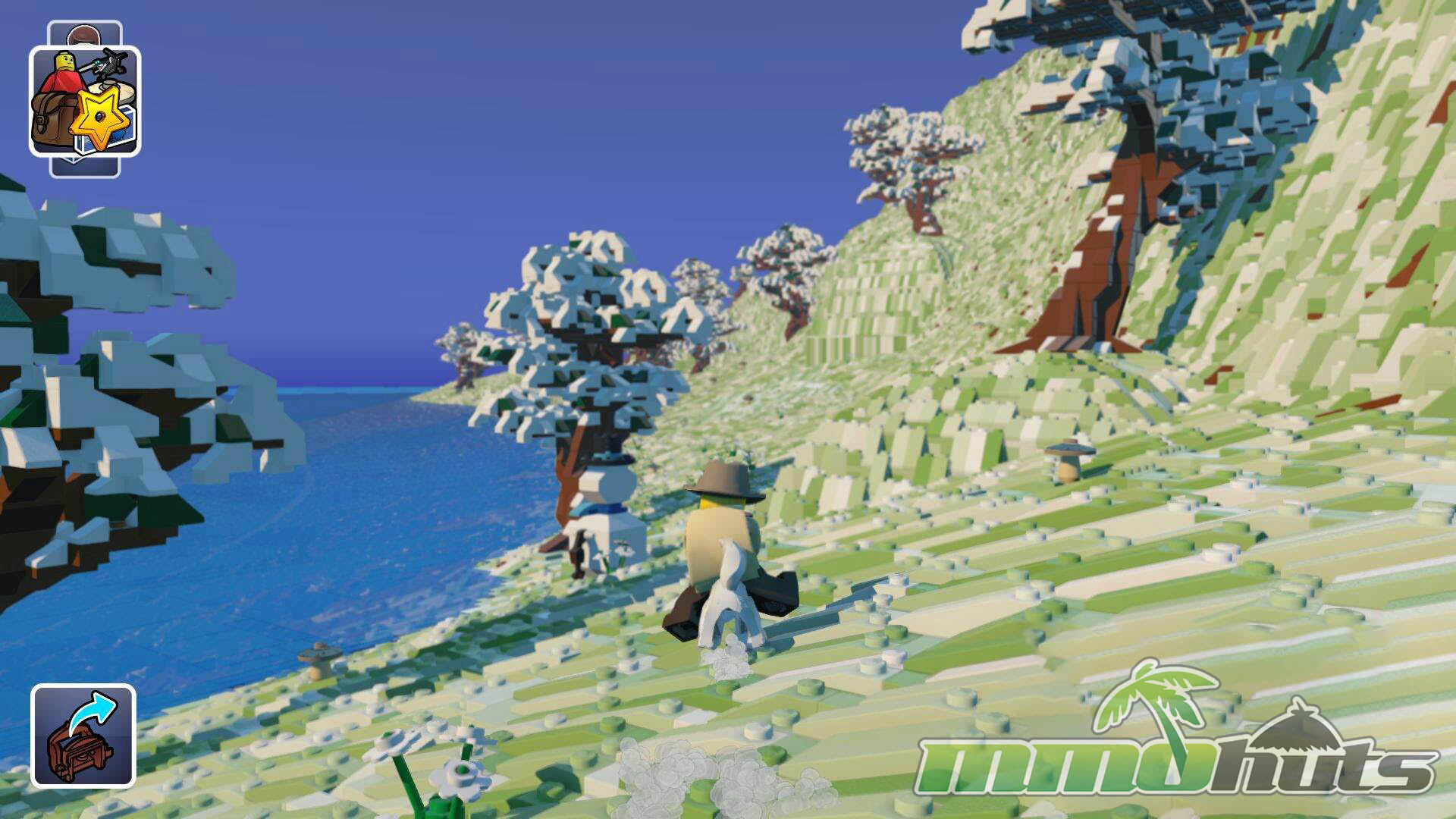
- Procedurally Generated Worlds – explore changing terrain layouts that can include deserts, jungles, forests, and arctic regions.
- Build A Collection – find hidden items and set pieces, then add them to your usable library for future builds.
- Pre-Built LEGO sets – drop in complete structures from a mix of older and modern LEGO themes.
- Customization – dress and tweak your minifigure with lots of parts, including themed characters with special abilities like spellcasters and monsters.
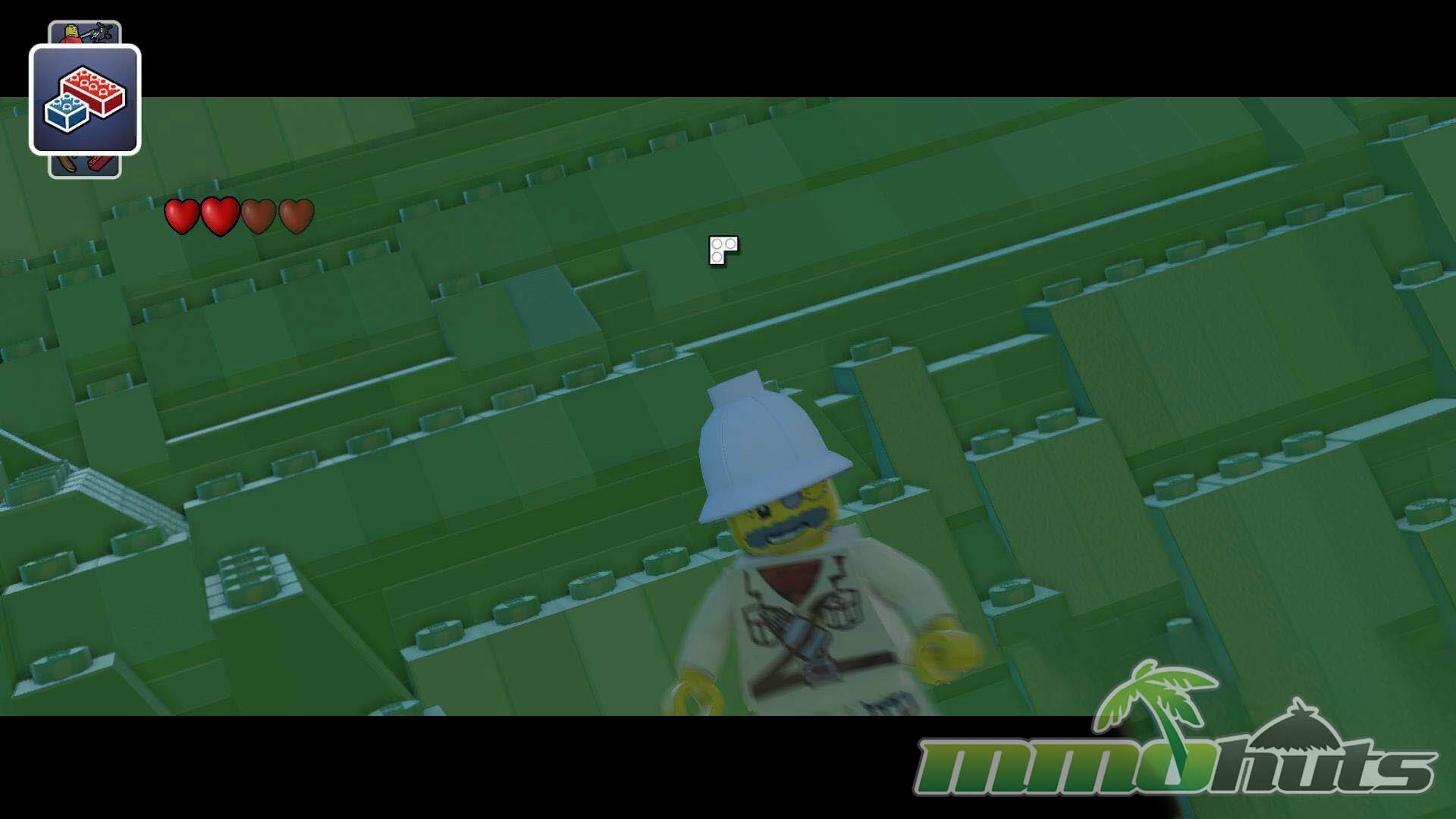
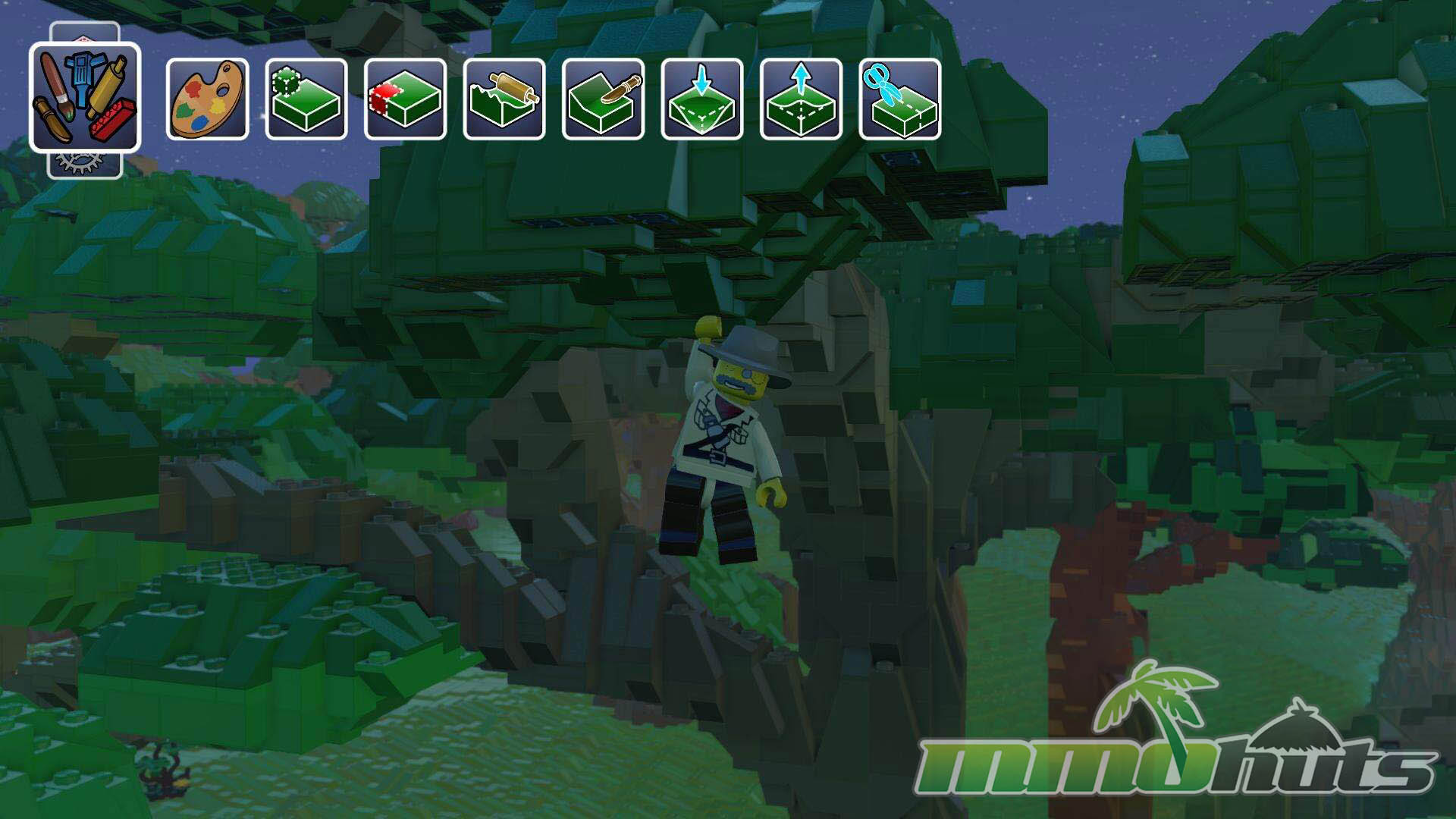
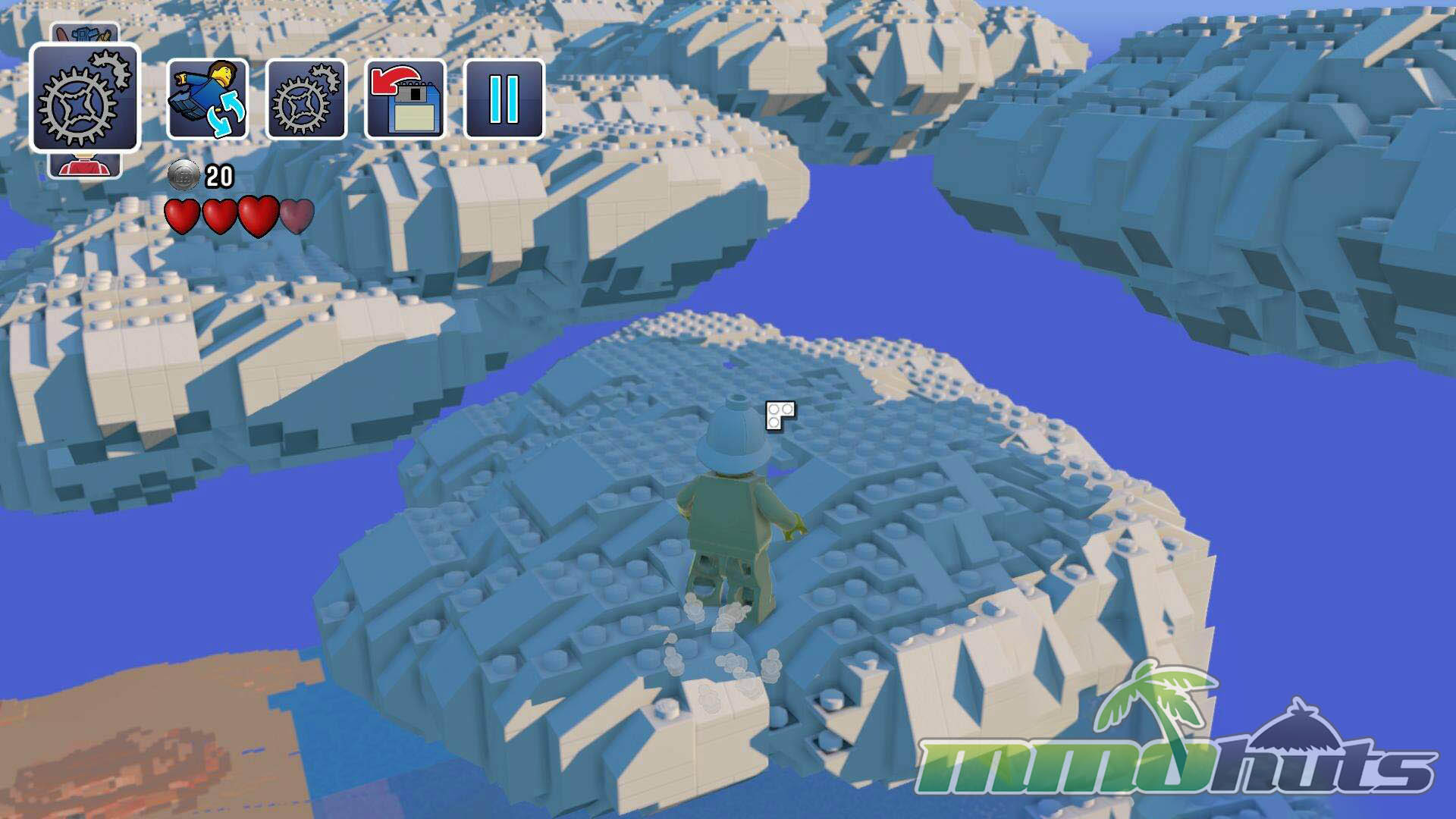
LEGO Worlds Screenshots

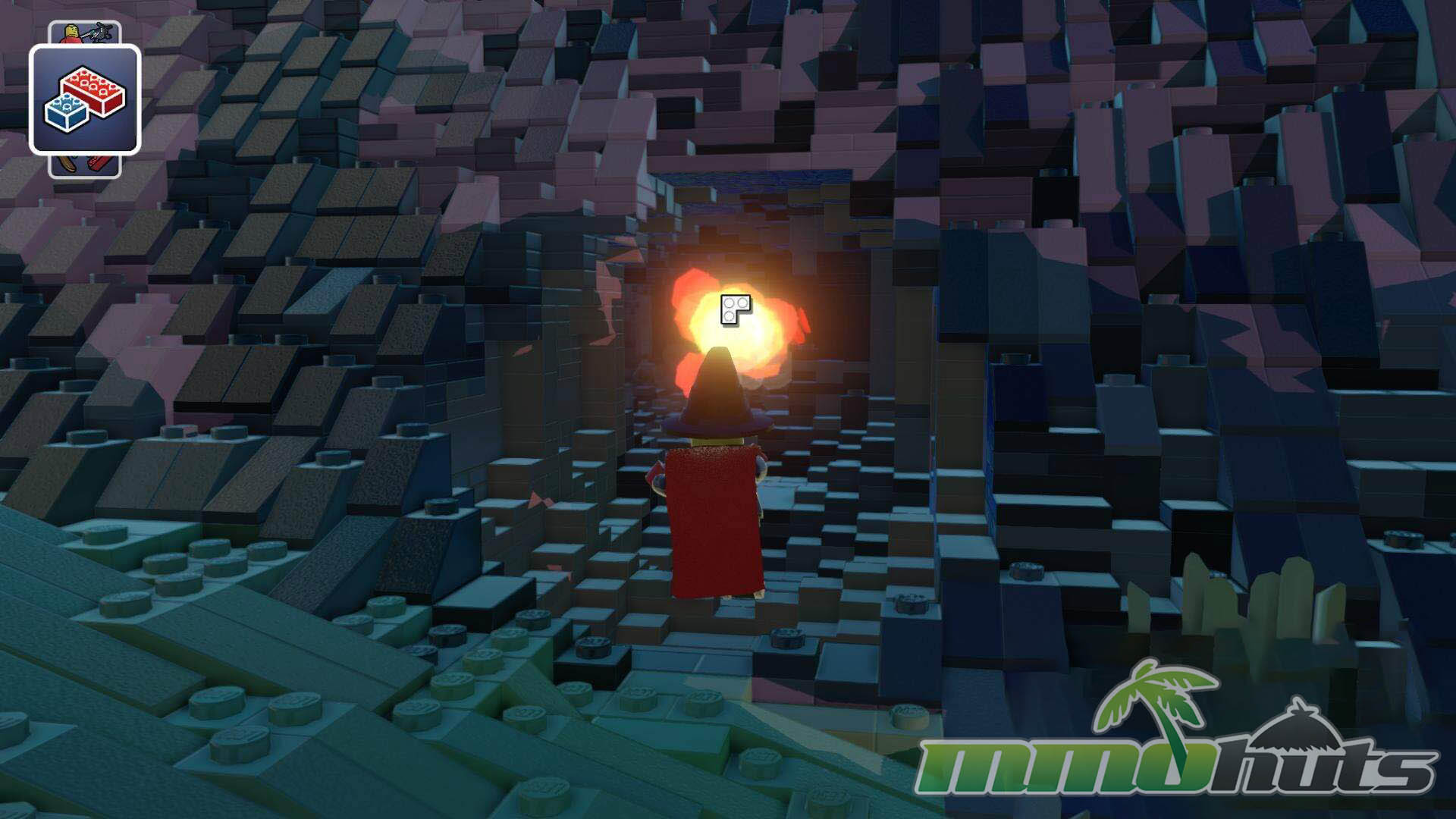
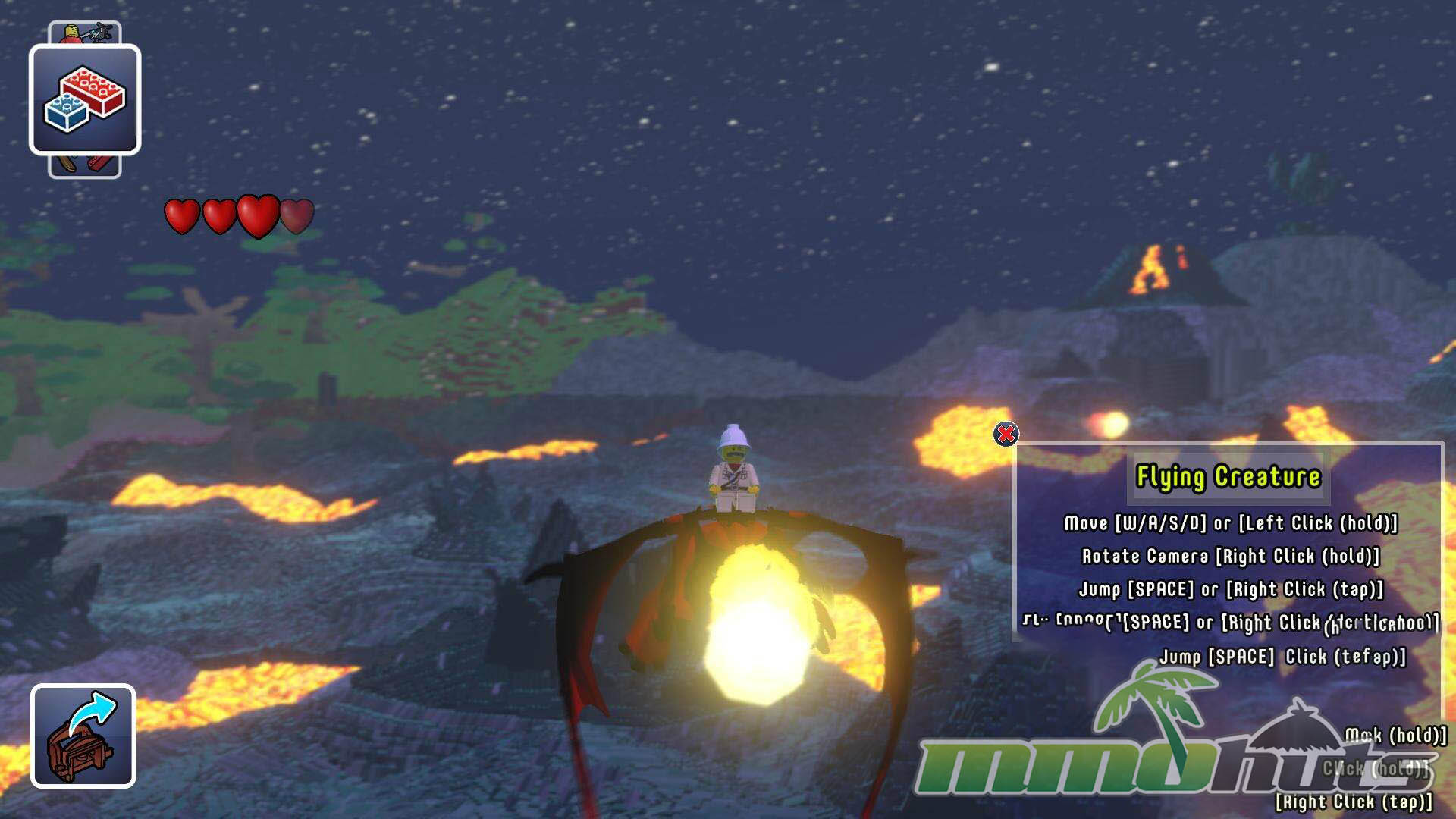
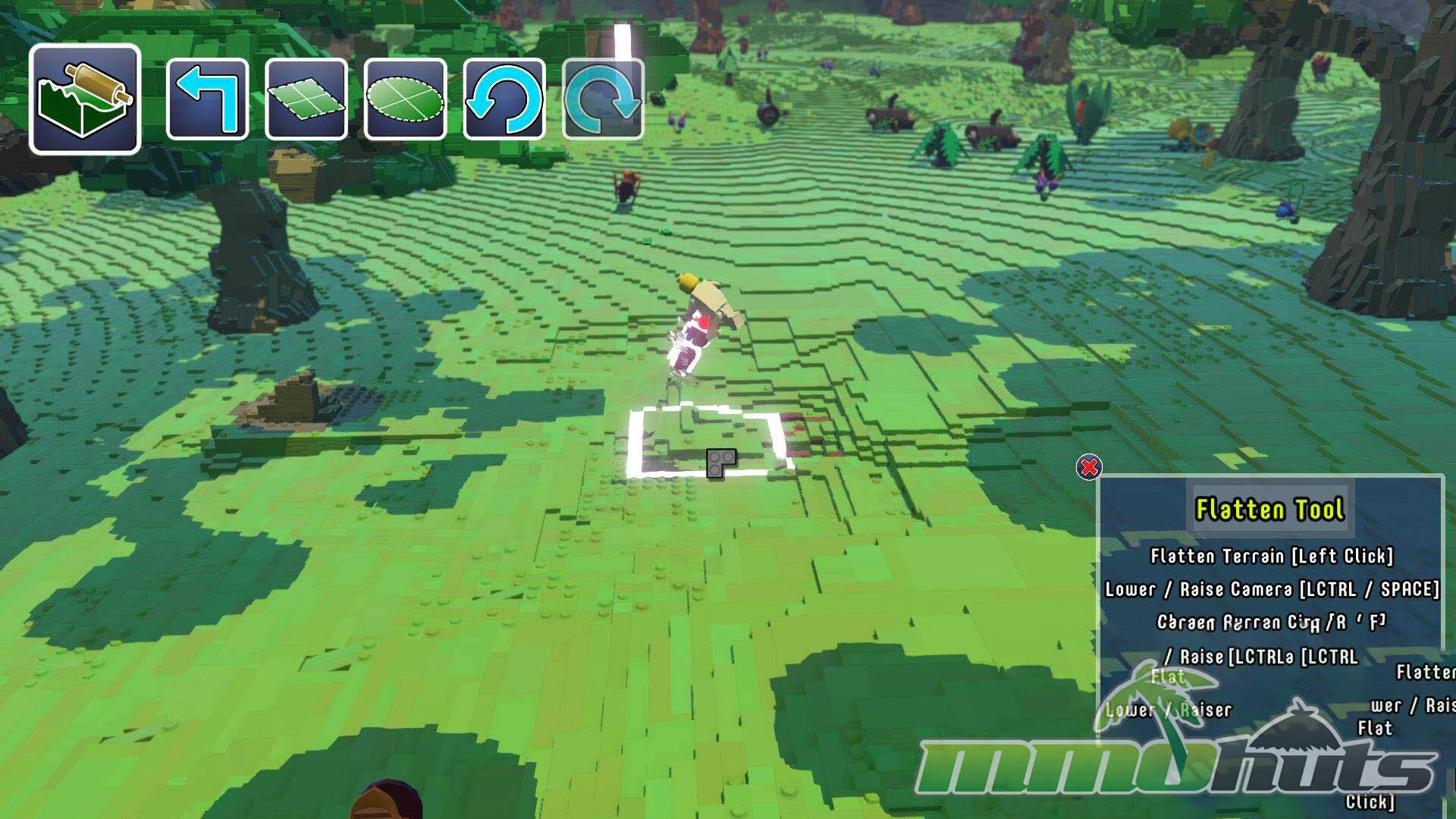
LEGO Worlds Featured Video

LEGO Worlds Review
LEGO Worlds aims to capture the feeling of dumping out a bin of mixed bricks, except your “bin” is a set of procedurally generated islands filled with things to discover and unlock. The result is part toy, part exploration game, and part builder. At its best, it nails that distinctive LEGO charm, bright colors, playful animations, and a sense that everything on screen could be picked up, snapped apart, and repurposed into something else. At its weakest, it struggles with input and camera issues that make the most important activity, building, feel more fiddly than it needs to be on PC.
Interface
The first thing you interact with is the world selection, a rotating preview of a generated island chain that serves as your starting point. You can reroll worlds until you find a layout that looks interesting, and it is worth noting that the preview does not tell the whole story. Even if the initial view highlights one biome, the generated world usually includes multiple climates, so the spawn area is only a small snapshot of what you will eventually explore.
Options are functional but not always elegant. One early annoyance is how resolution selection is handled, it is presented as a scrolling slider that only moves forward. Overshooting your target means cycling around again, which feels like a basic usability problem in a PC menu. It is not a dealbreaker, but it sets the tone for the control quirks you will run into once you start moving and building.
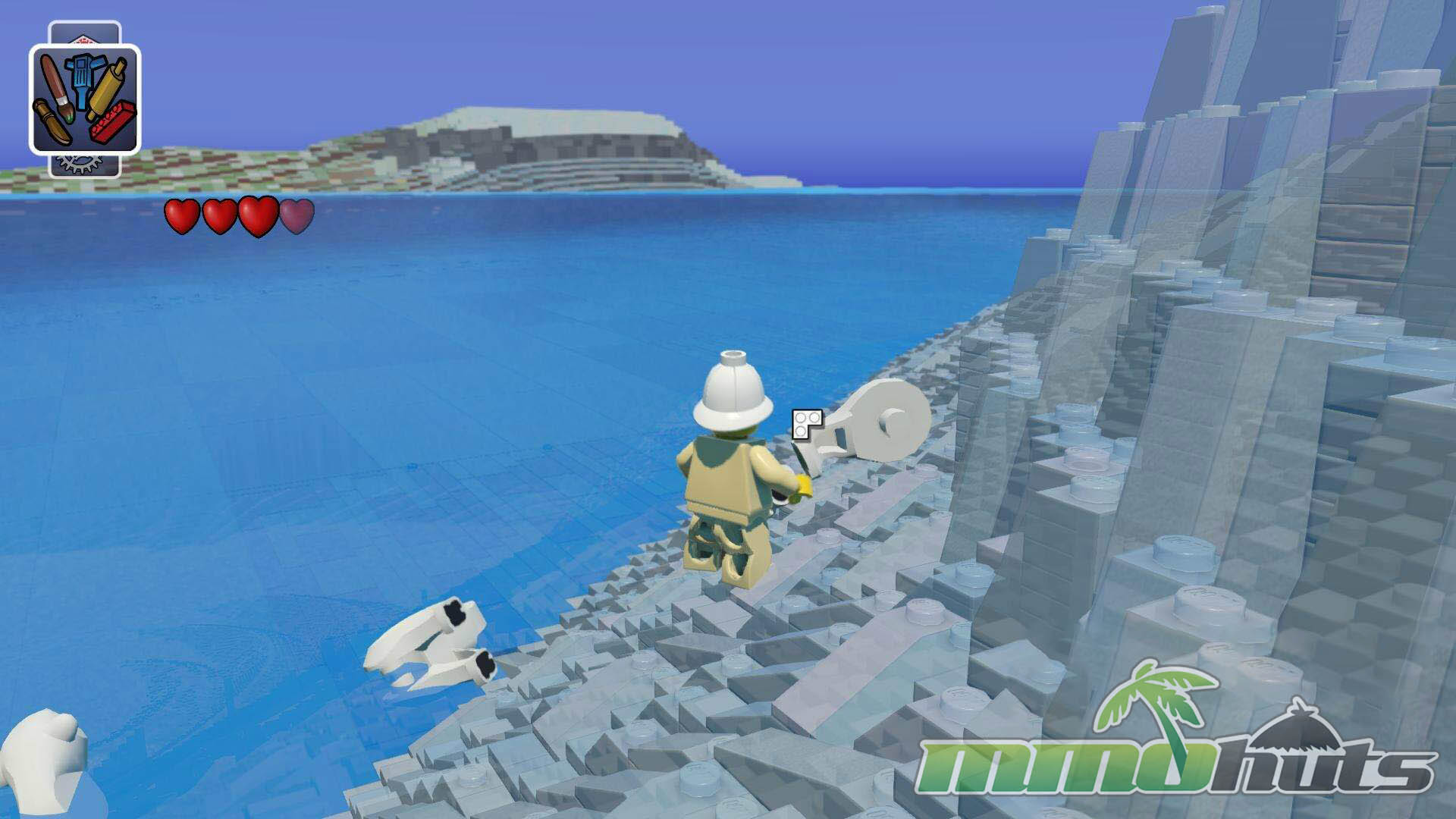
Exploring
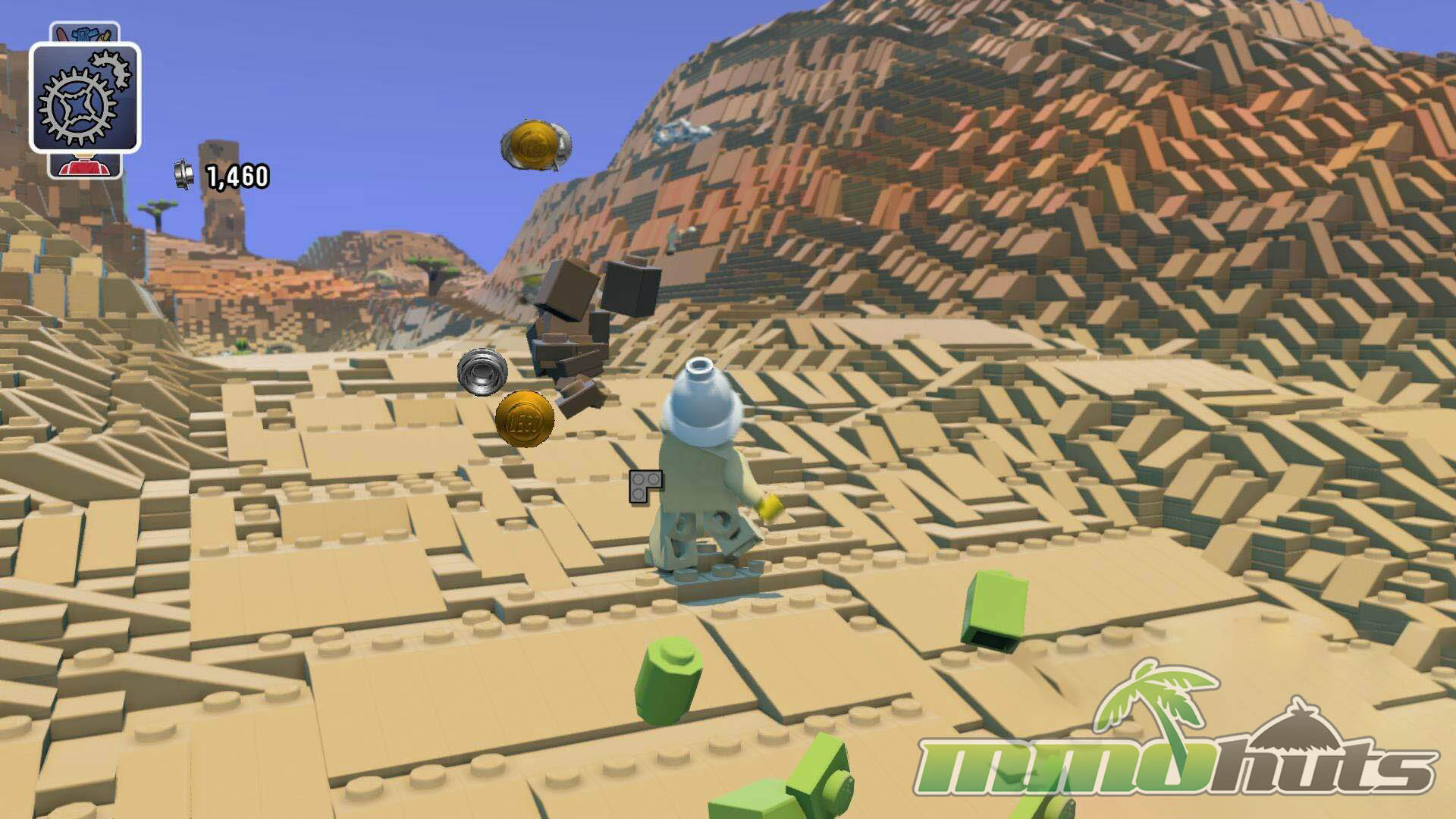
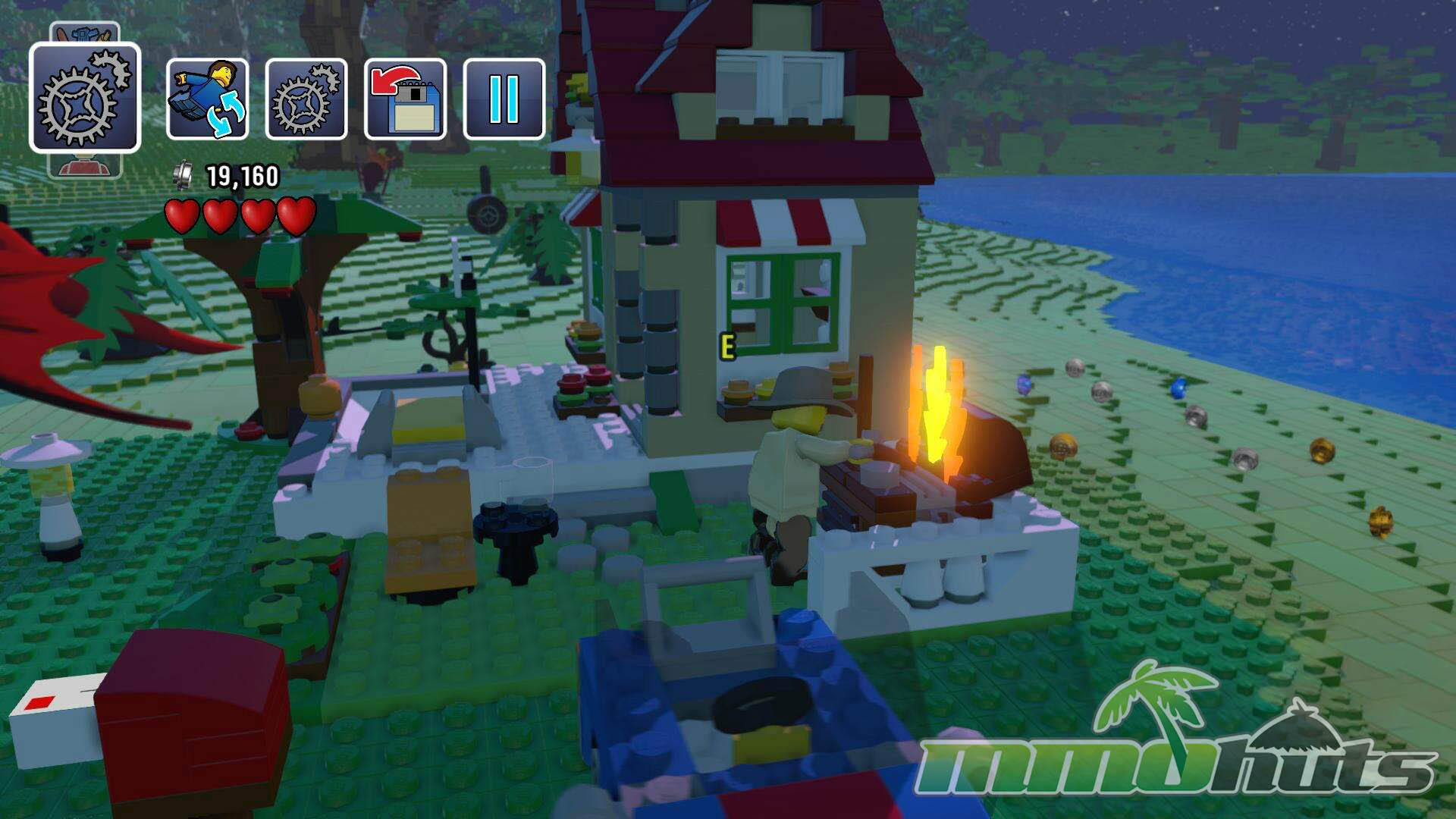
Dropping into a new world has a light “adventure” vibe, you can arrive in the ocean, on a snowy shoreline, or near a cluster of props that look like they came straight out of a boxed LEGO set. Wildlife and NPCs are scattered around, and the game encourages you to interact with everything, either by riding it, unlocking it, or smashing it apart for currency. Creatures that look intimidating are not always aggressive, and a lot of the fun comes from trying interactions just to see what the game allows, such as hopping onto an animal mount and sprinting across the map to the next climate.
As you travel between regions you will encounter different minifigures, monsters, and themed objects. The first time you find something new, it gets recorded so you can access it later through the in-game shop interface, where you spend the currency you collect. Many objects are destructible and visually highlighted, breaking them apart showers the area with LEGO bits and rewards you with the money used to unlock more items. It is a simple loop, but it works, explore, collect, unlock, then return to building with a larger toolbox.
Living In A LEGO World
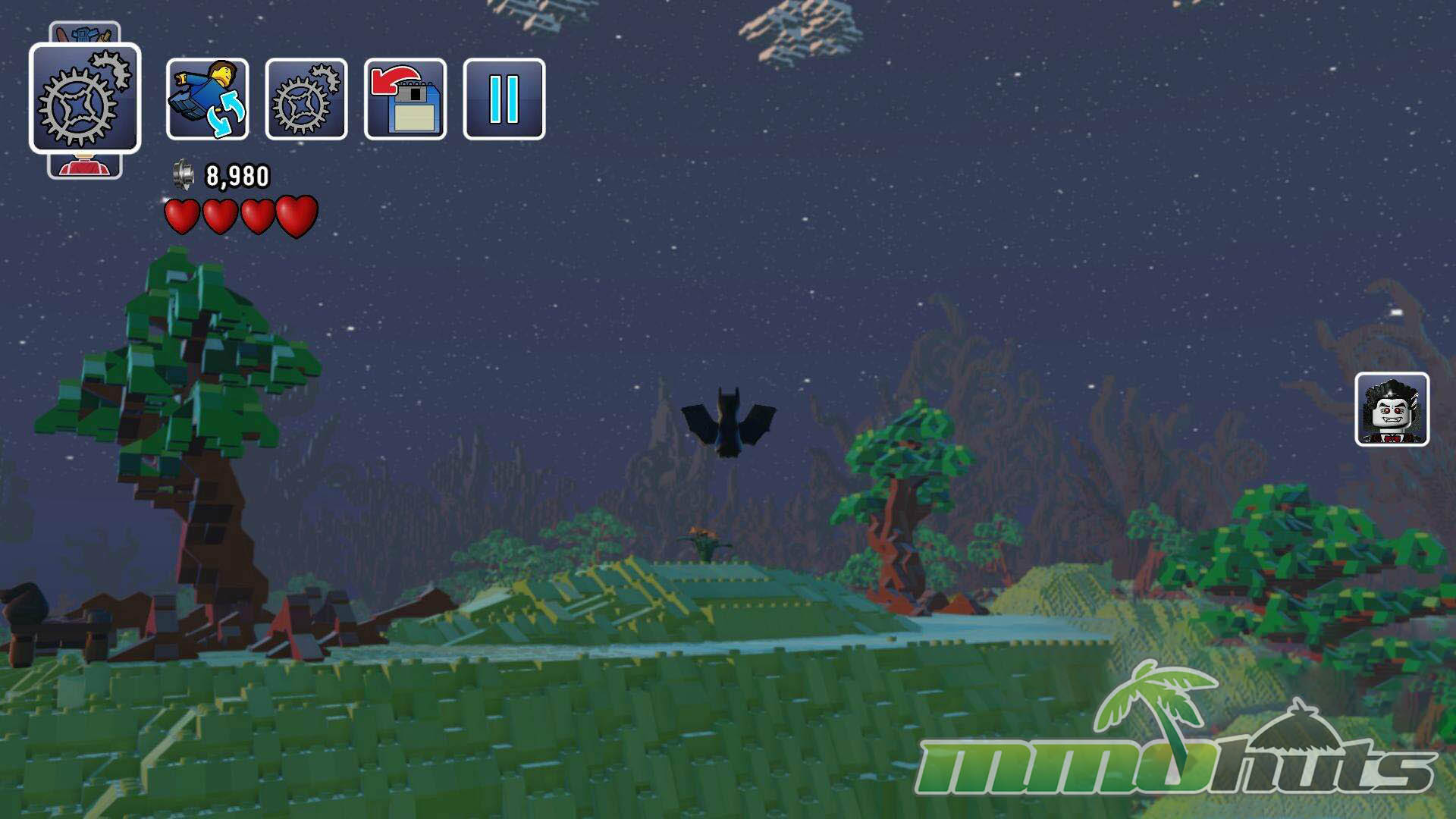
Visually, LEGO Worlds does a strong job of making plastic bricks feel lively. Surfaces gleam, colors pop, and the lighting helps each region look like a carefully arranged diorama. Day-night changes add a bit of atmosphere, and the animation style sells the toy-like personality, characters move with a bouncy, slightly exaggerated feel that fits the brand. Even the small details, like individual pieces scattering when something breaks, reinforce the fantasy that you are interacting with a giant, playable LEGO set.
That said, the procedural generation can start to show its seams after you have generated and explored several worlds. Biomes and props repeat, and while the layout changes, the overall rhythm of discovery becomes familiar. Once you have seen a couple of islands, the long-term appeal depends heavily on how much you enjoy setting your own goals, building projects, custom landscapes, and silly experiments. Players who thrive on self-directed creativity will get more out of it than those looking for structured progression.
Controls
On PC, the control scheme takes time to feel natural. Movement is split between traditional WASD and a mouse-driven “hold left-click to move” option, while right-click handles camera rotation. Because both approaches are active, they can step on each other until you build new muscle memory. It also does not help that left-click is tied to both movement and your active action, depending on context, so it is easy to misfire an interaction when you meant to reposition or vice versa. After an adjustment period it becomes workable, but early on it can feel like you are wrestling the interface more than playing freely.
The Building System
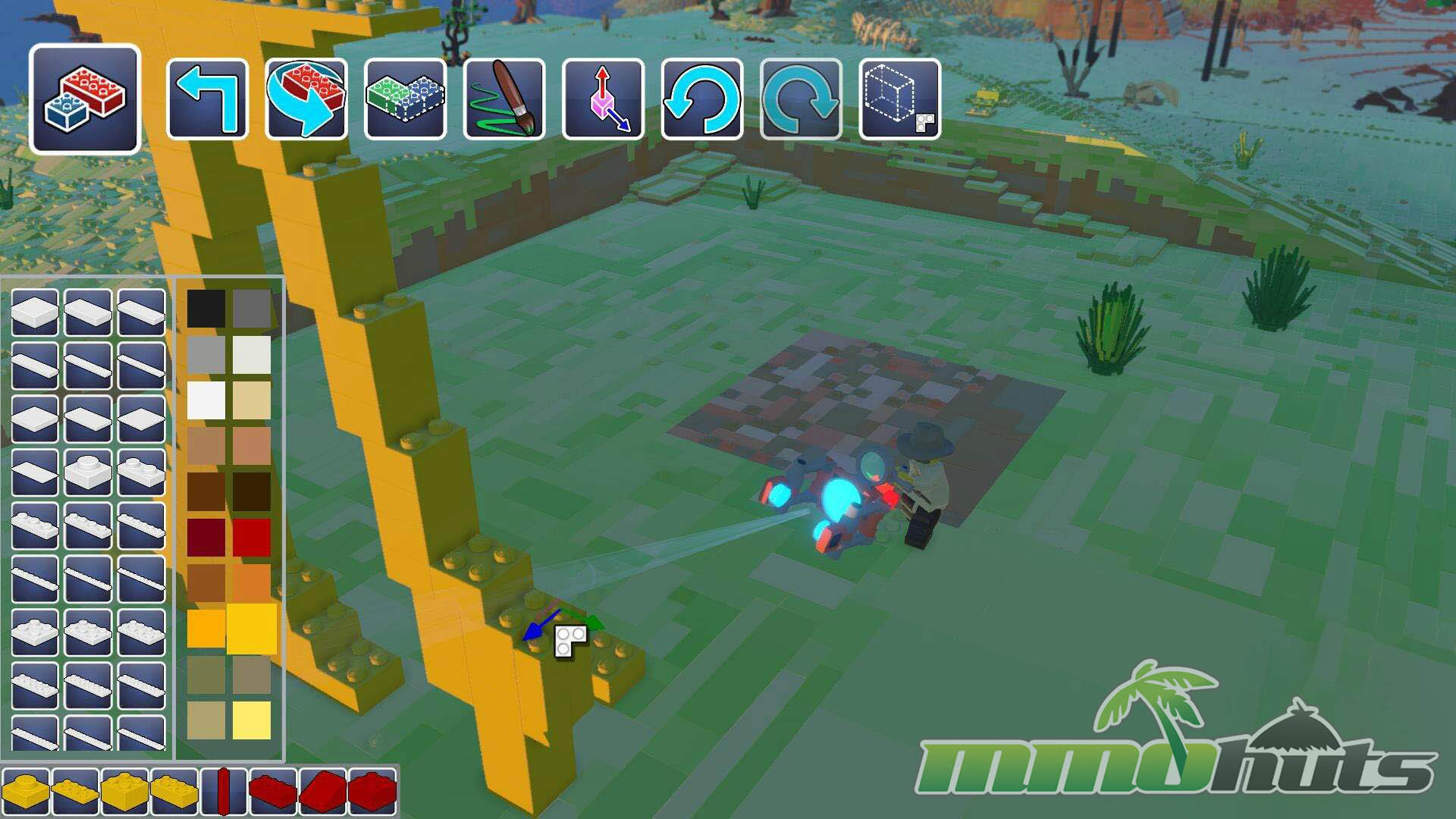
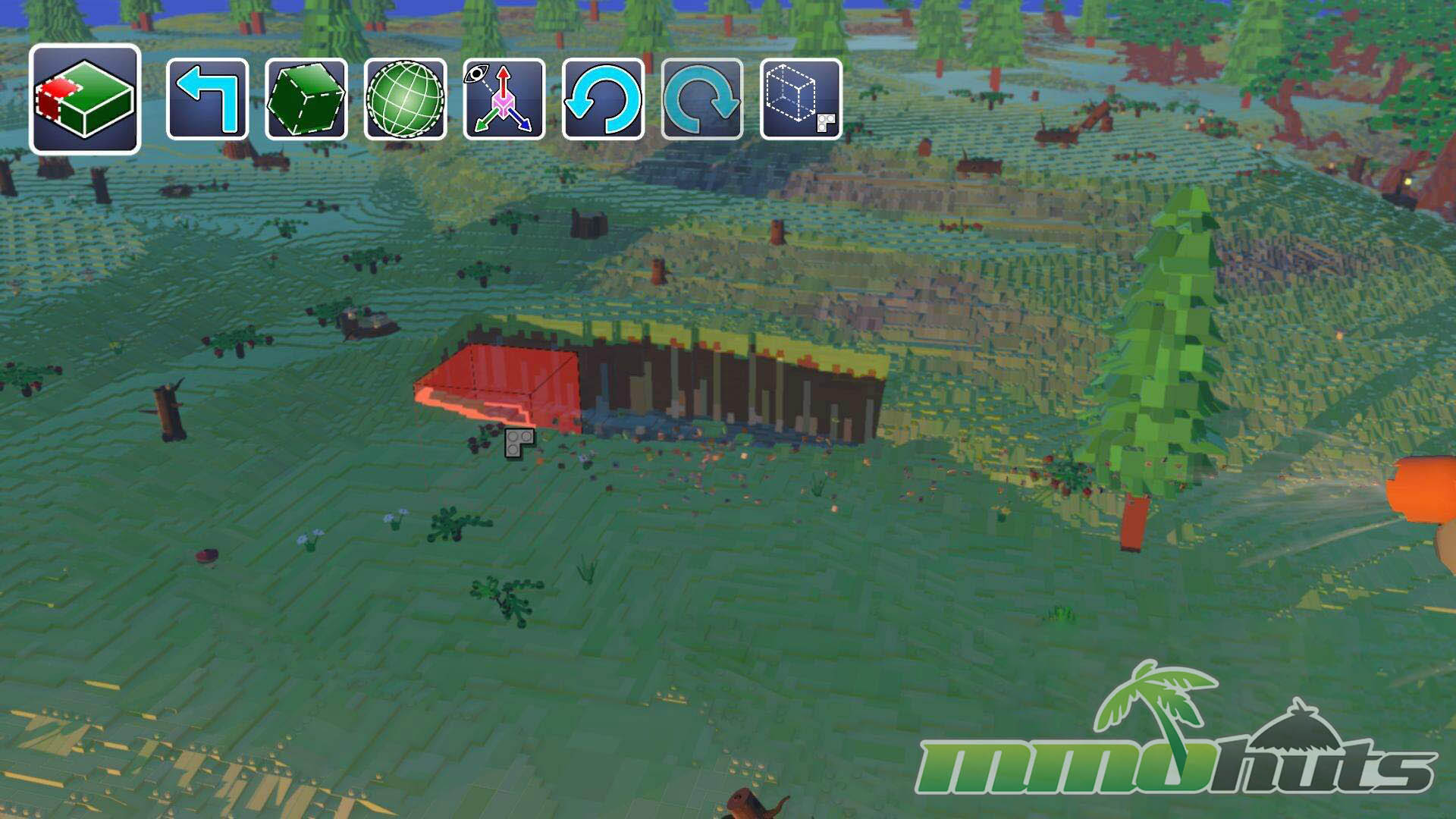
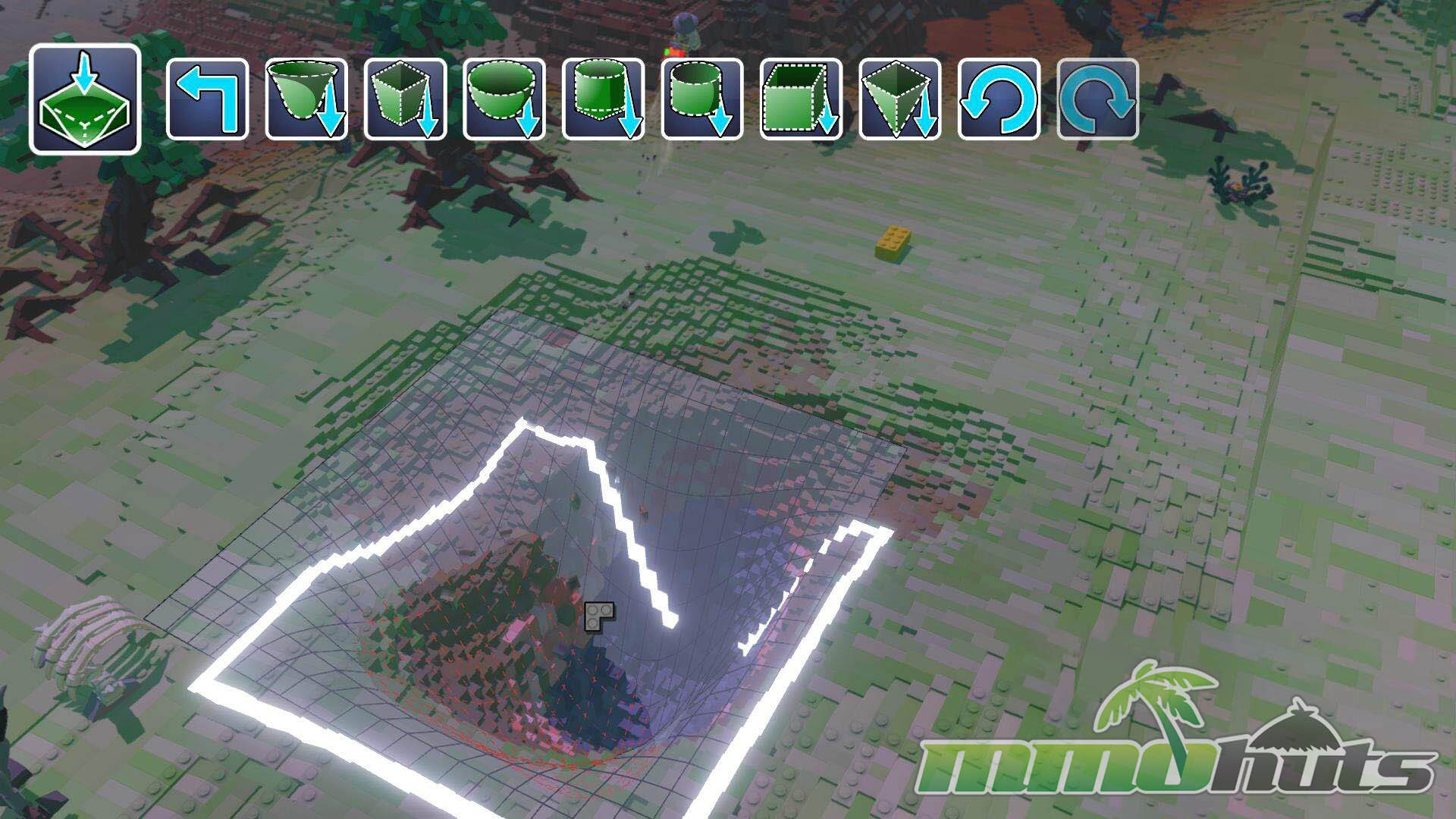
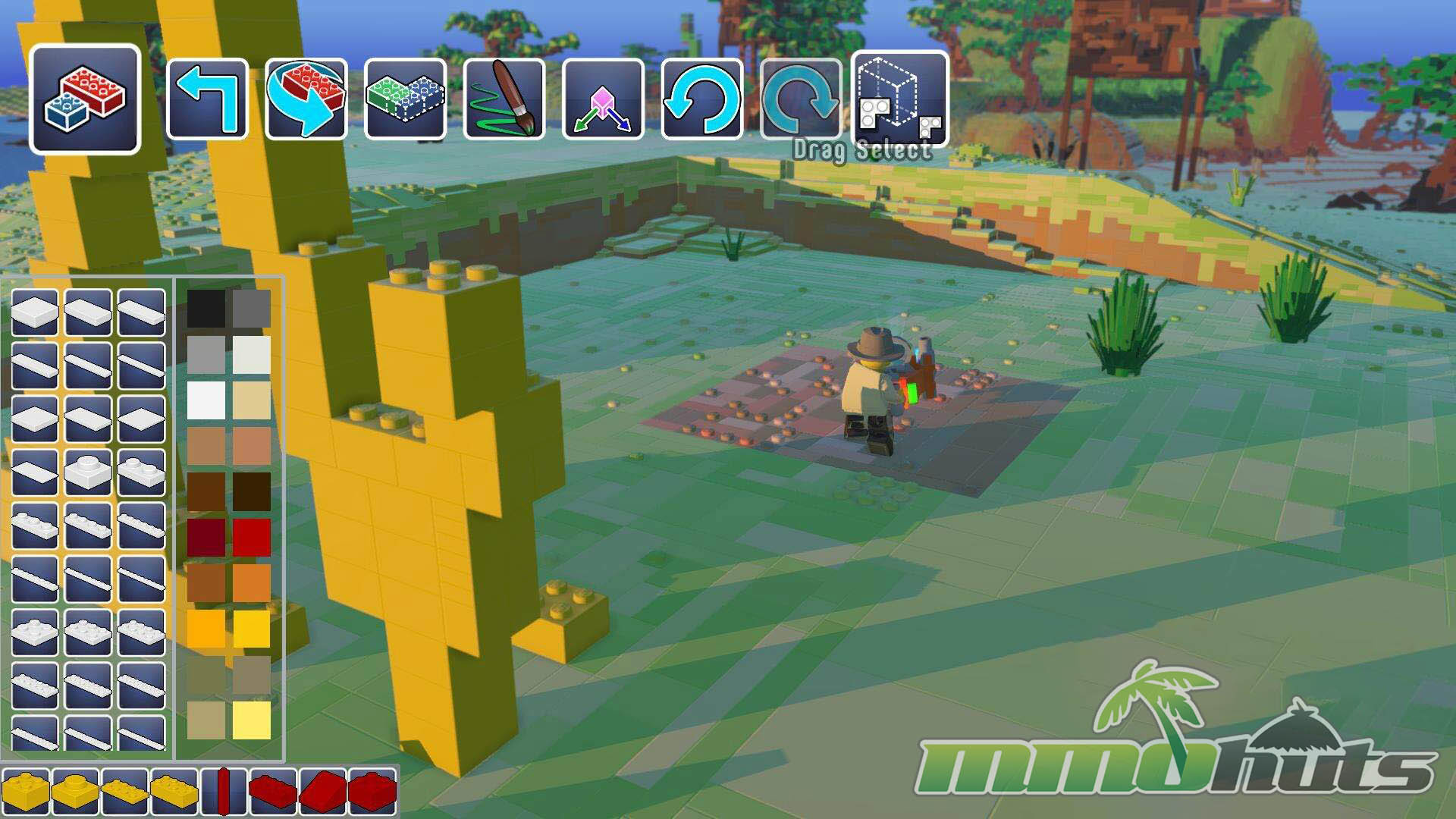
The building tools are the heart of the experience, and they are a mix of satisfying power and occasional frustration. Terrain manipulation is generally the smoothest part. You can raise, lower, flatten, and smooth the ground, and the multi-tool’s animations make the process feel tactile, like you are vacuuming bricks into place or carving them away in chunks. If your goal is to sculpt hills, dig out a lake, or shape an island into a themed playground, LEGO Worlds makes that part enjoyable and quick.
Precision building with individual bricks is where the rough edges appear. Camera angles can make alignment awkward, and swapping between tools can be confusing until you learn the shortcuts. A small mistake often turns into a chain reaction, misplace a brick, switch tools unintentionally, then spend a moment correcting the camera just to get back to the original angle. When everything clicks it is rewarding, but the process can feel slower than it should, especially for players who want careful, symmetrical builds.
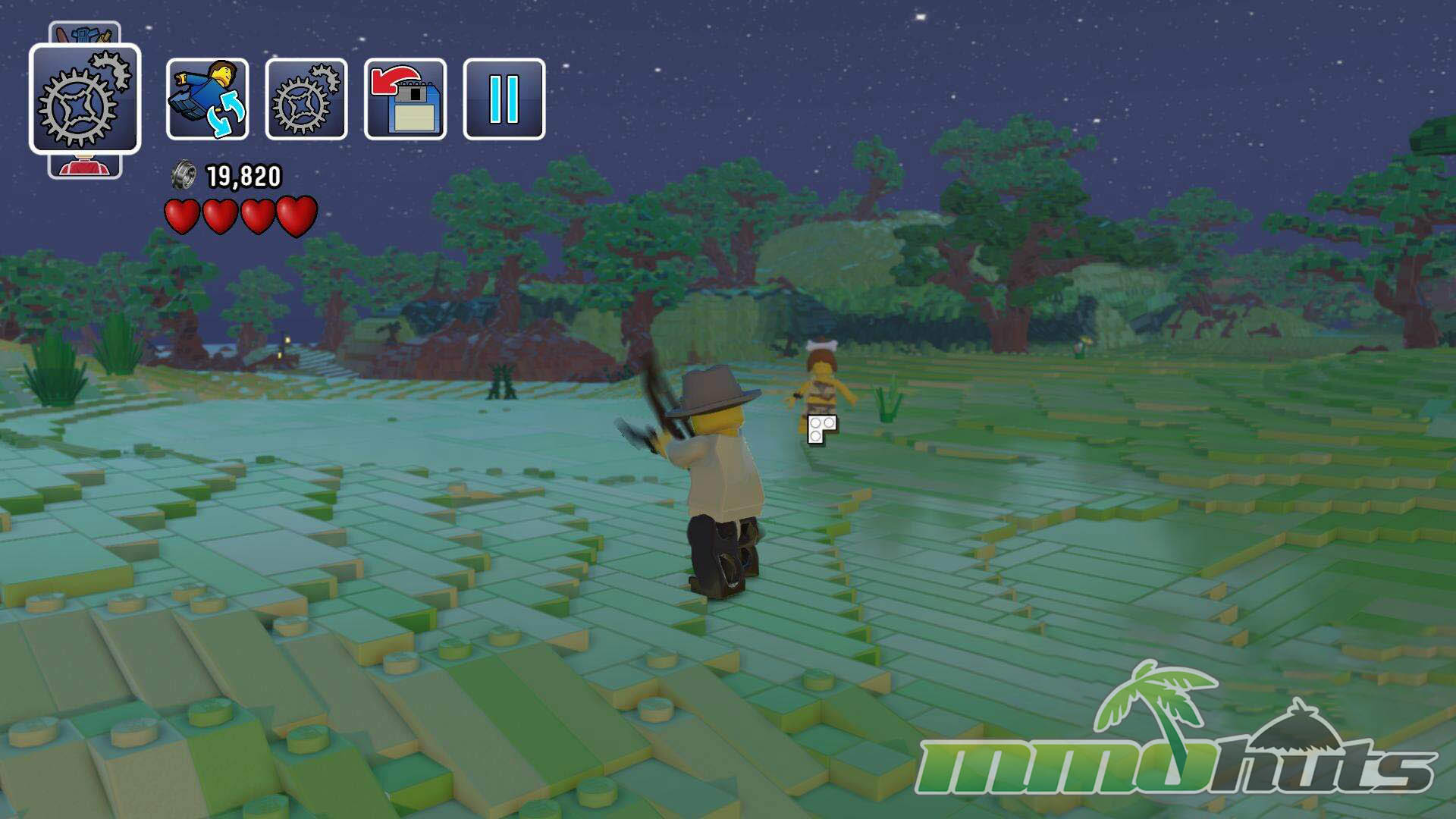
The camera is the main culprit behind the “clunky” reputation. Managing movement, rotation, and placement at the same time can turn detailed builds into a patience test. Fortunately, the game also supports instant placement of pre-built structures, which is a practical alternative if you want to populate a world quickly or avoid wrestling with fine placement. It is also useful as a learning tool, you can drop in complete builds, then modify them instead of starting from a single brick.

Build With Friends
At this stage, LEGO Worlds is still presented as a single-player experience, with multiplayer planned for later. That delay makes sense given the obvious challenges: a shared sandbox needs strong protections to prevent other players from undoing your work, and any online mode would need rules around ownership, permissions, and griefing. The idea of cooperative building fits the concept perfectly, but it also raises technical and design questions that are better solved before opening the doors. The game is scheduled for full release sometime in 2016.

Final Verdict – Great
LEGO Worlds delivers a strong foundation for a LEGO-themed sandbox. The presentation is sharp, the worlds are fun to roam, and the steady drip of unlocks makes exploration feel worthwhile. Its biggest drawbacks are the camera and control decisions that can make detailed building feel unnecessarily awkward, and the fact that content variety can thin out once you have generated and toured several maps. If you enjoy creative sandboxes like Minecraft and you like the idea of collecting and placing LEGO sets in a living, editable world, LEGO Worlds is an easy recommendation, especially for players who can supply their own goals and projects.
LEGO Worlds Links
LEGO Worlds Steam Page
LEGO Worlds Wikipedia
LEGO Worlds Developer Site
LEGO Worlds Reddit
LEGO Worlds System Requirements
Minimum Requirements:
Operating System: Windows XP 32
CPU: Core 2 Duo E4400 2.0GHz or Athlon 64 X2 Dual Core 5000+
Video Card: GeForce GT 240 or Radeon HD 5570 512MB
RAM: 2 GB
Hard Disk Space: 10 GB
Recommended Requirements:
Operating System: Windows 7 64
CPU: Core 2 Quad Q9400 2.66GHz or Phenom II X4 40
Video Card: GeForce GTX 480 or Radeon HD 5850 1024MB
RAM: 4 GB or more
Hard Disk Space: 10 GB
LEGO Worlds Music & Soundtrack
LEGO Worlds Additional Information
Developer: Traveller’s Tales, TT Games
Game Engine: LEGO Worlds Engine
Managing Director: Tom Stone
Distributor(s): Steam
Release Date (Early Access): June 01, 2015
Development History / Background:
LEGO Worlds comes from UK-based developer TT Games (Traveller’s Tales). The project was initially teased in May 2015 via a small nod on the back of an instruction manual, before receiving a formal announcement on June 01, 2015. On the same day, it launched on Steam as an Early Access release. The plan is to expand the feature set ahead of full launch sometime in 2016, including additions such as world sharing and multiplayer support.